

Set Up & Rights Management
Safe

Adding a New User

Set Up & Rights Management
User Rights

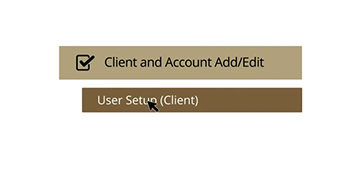
User Rights Setup

Recipient Overview & Management
North State Bank logo

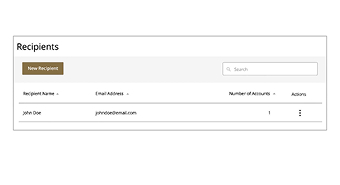
Recipient Overview

Recipient Overview & Management
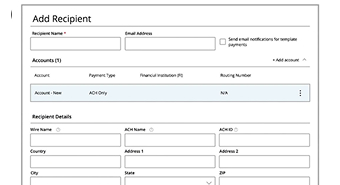
ACH Recipient Setup

Recipient Setup - ACH Only

Recipient Overview & Management
Domestic Wire Recipient Setup

Recipient Setup - Domestic Wire Only

Recipient Overview & Management
ACH and Wire Recipient Setup

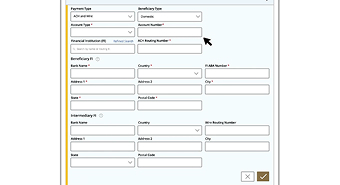
Recipient Setup - ACH and Wire

Recipient Overview & Management
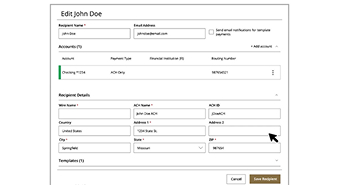
Editing or Deleting a Recipient

Editing or Deleting a Recipient

Managing Templates

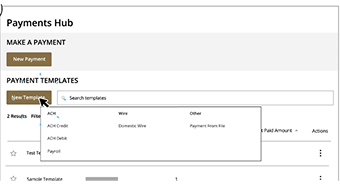
Managing Templates image

Managing Templates

ACH Transactions
Person and dollar sign icon

Creating an ACH Payment

ACH Transactions
Person and checkmark icon

Creating an ACH Collection

ACH Transactions
ACH Payroll Stub

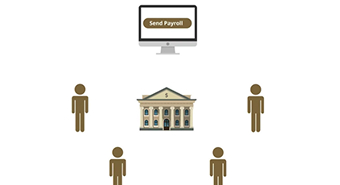
ACH Payroll

ACH Transactions
Nacha logo

ACH Pass Thru

Wires
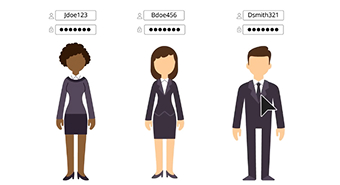
Person icons

Creating a Domestic Wire

Creating & Managing Payments
Dollar bill icons

Creating Payroll Multiple and Split Payments
Creating & Managing Payments
Computer icon

Payment from File

Creating & Managing Payments
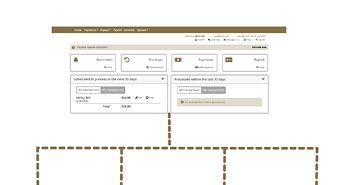
Person and document icons

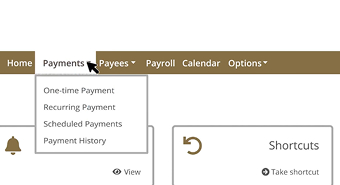
Approving or Canceling Payments

Subsidiaries
North State Bank logo

Subsidiaries

Mobile Authorizations
Mobile phone and mail icons

Mobile Authorizations

Bill Pay
Navigation screen

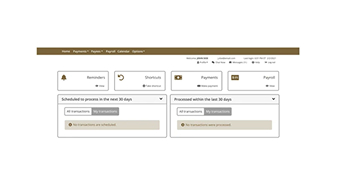
Navigation

Bill Pay
Banking building icon

Adding an Individual Payee

Bill Pay
Pay utility bill icon

Adding a Company Payee

Bill Pay
Computer screen icon

Importing Payees

Bill Pay
Managing Payees screen

Managing Payees

Bill Pay
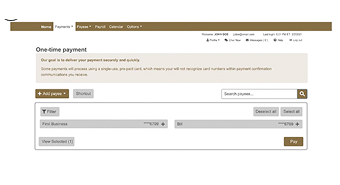
One Time Payment screen

One-Time Payments

Bill Pay
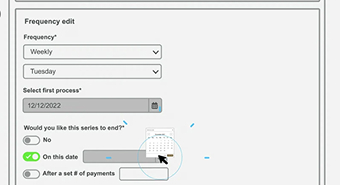
Recurring Payment screen

Recurring Payments

Bill Pay
Managing Payments screen

Managing Payments

Bill Pay
Person and bank icons

Payroll Set Up

Bill Pay
Company profile screen

Company Profile

Bill Pay
Pay from Accounts screen

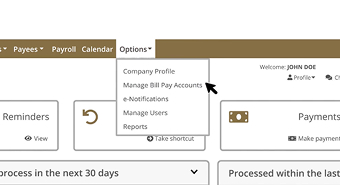
Pay-from Accounts

Bill Pay
eNotifications screen

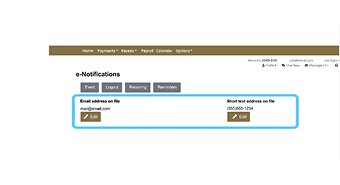
e-Notifications

Bill Pay
Managing users screen

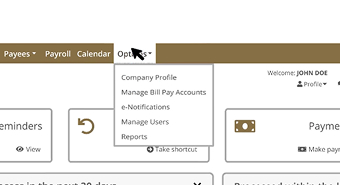
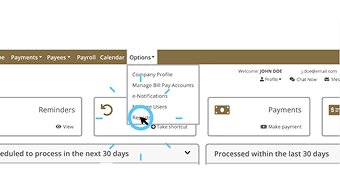
Managing Users

Bill Pay
Report options screen

Reports

Positive Pay
Positive Pay

How Positive Pay Works

Positive Pay
Set up a new user screen

Set Up a New User

Positive Pay
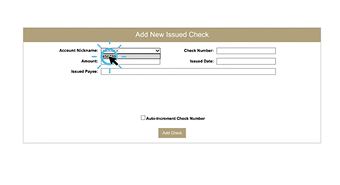
Add a new check screen

Add a New Check

Positive Pay
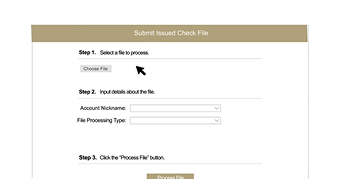
Submit issued check screen

Submit an Issued Check File

Positive Pay
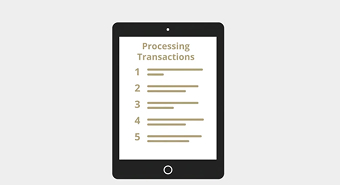
Processing transactions screen

Set Up Rules and Filters

Positive Pay
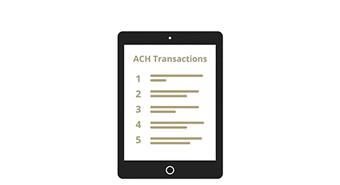
ACH Transactions screen

Set Up Rules and Guides for ACH Processing
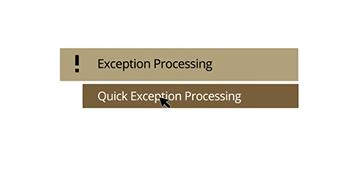
Positive Pay
Exception Processing screen

Process Exceptions

Positive Pay
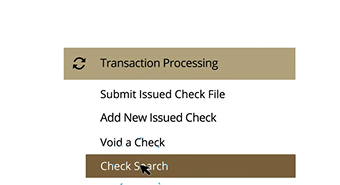
Check search screen

Search for a Check

Positive Pay
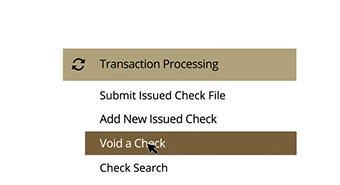
Void a check screen

Void a Check

Positive Pay
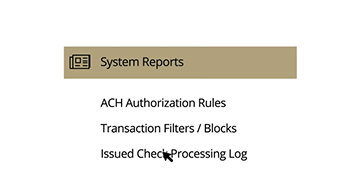
Issued Check Processing log screen

Run Issued Check Processing Log

Positive Pay
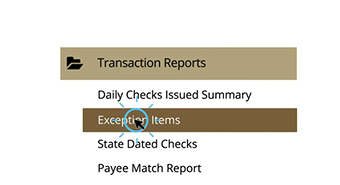
Transaction report screen

Run Transaction Report for Exception Items
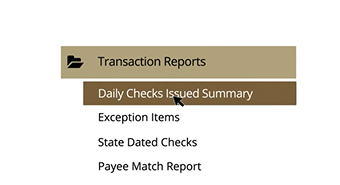
Positive Pay
Daily Checks reports screen

Run Daily Checks Issued Report